
Delegation
Settings → User Delegation. Requires Manage Delegated User.
Delegation hands your approvals and signatures to a colleague. Work that would have waited for you appears in their queue instead, and they can act on it.
It is the answer to being away, or to being the only person on a step that cannot afford to stall.
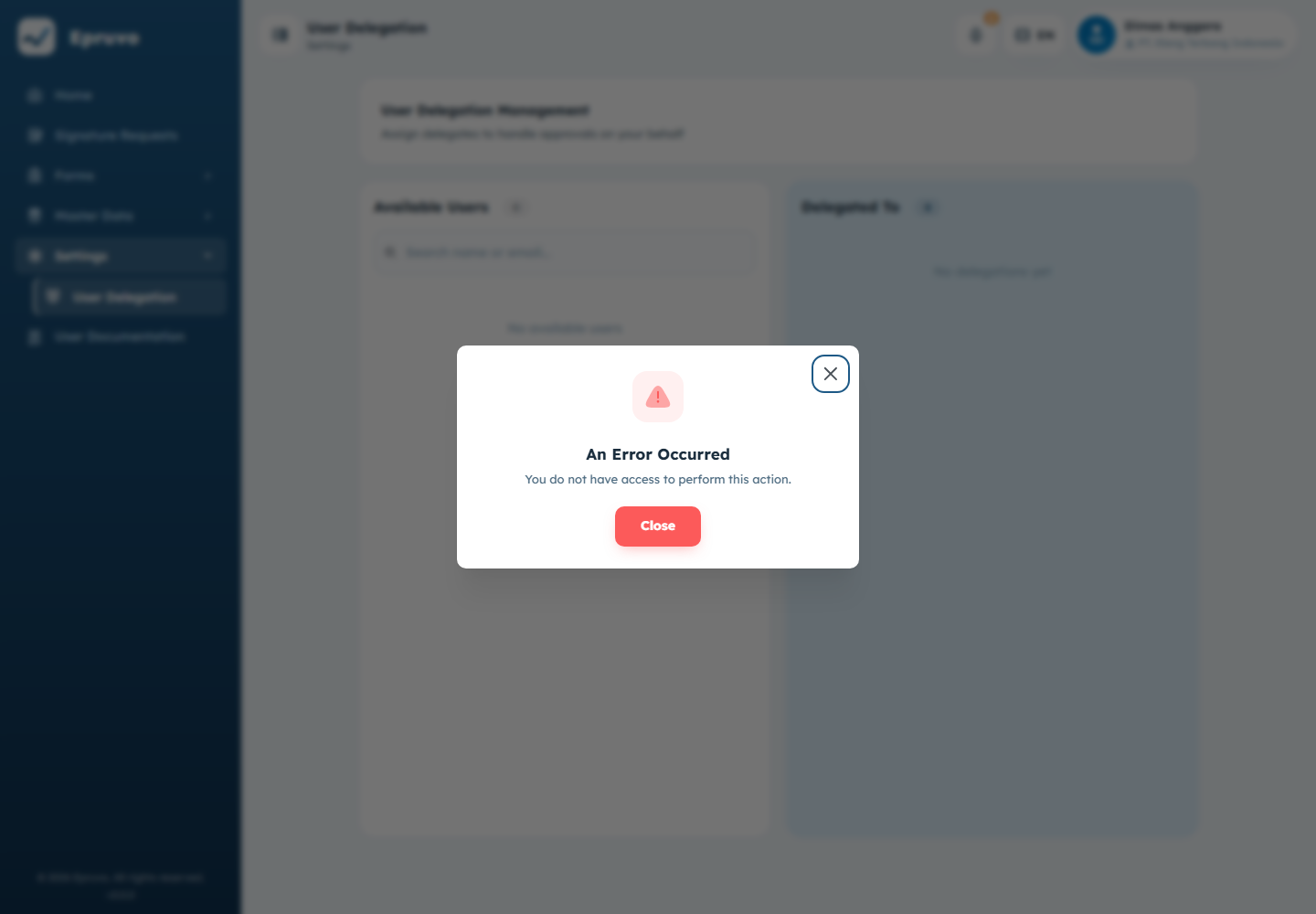
Two panels
Available Users on the left is everyone in this company who could take your work. Delegated To on the right is who currently has it.
- Find the colleague in Available Users. The search box matches on name and email.
- Drag them across to Delegated To.
- That is it — the delegation is active immediately.
On a phone the left panel is replaced by a dropdown: pick a name and the delegation is added straight away.
To end it, use the bin icon on their row in Delegated To, or drag them back to the left. Epruvo confirms first.
What a delegate can do
Everything you would have done on the work that reaches them: approve, reject, and sign. It is not a read-only arrangement.
What it is not:
- It does not give them your menus, your permissions, or your role
- It does not apply retroactively — work already decided stays decided
- It does not hide anything from you; the work stays visible to you too
Both names are recorded. On a timeline the delegate's name appears with the person they acted for beside it, so an audit later shows exactly who decided and on whose behalf.
No end date
WARNING
A delegation has no validity period. It starts the moment you add it and continues until someone removes it.
There is nothing to set for "until Friday", and nothing will expire on its own. If you delegate for a week away, put a reminder somewhere to remove it when you are back — otherwise your approvals keep going to your colleague indefinitely, and neither of you is likely to notice quickly.
Delegating for other people
A role carrying Manage Delegated User can set delegations up for anyone, including themselves. That page starts with a Select User to Manage picker; choose a person and the two panels then describe their delegations.
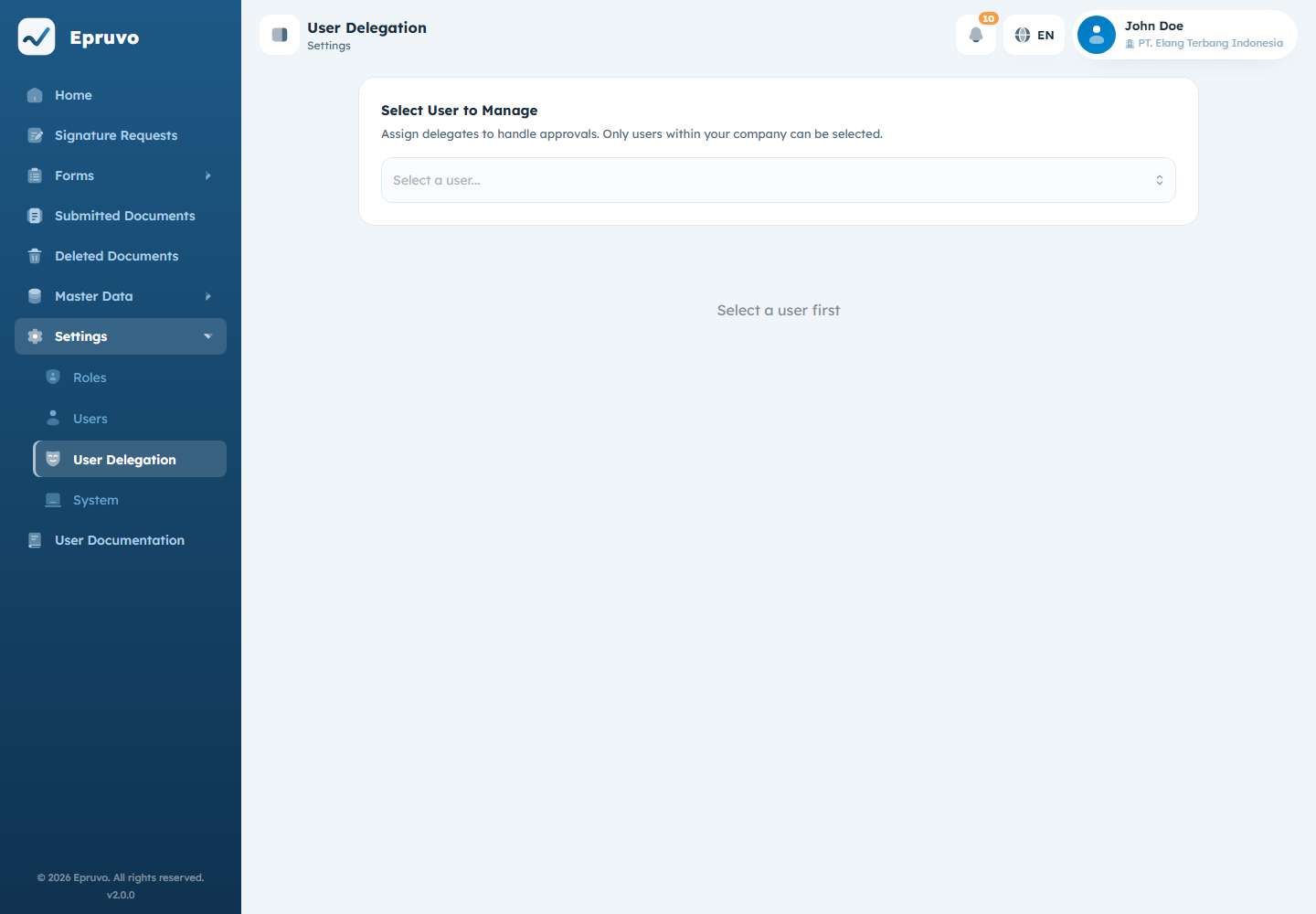
Useful when someone left without arranging cover, or is unreachable. Without that permission the page and its mutation endpoints return 403.
Receiving delegated work
Delegated work simply turns up in your queue and on Home, mixed in with your own. Nobody asks you first.
The Delegated Documents switch in any document list's Filter dialog shows only work you hold on someone else's behalf, which is the quickest way to see what you have taken on. See Approving and signing.
Common problems
| A colleague is not in Available Users | They are already in Delegated To, or they are not an active user in this company. |
| You cannot open delegation management | The active role needs Manage Delegated User. Receiving delegated work itself does not require this permission. |
| Approvals still come to you after delegating | They come to both of you. Delegation adds a person; it does not remove you. |
| Work is still going to a delegate you no longer need | Remove them from Delegated To. Nothing expires by itself. |
| A delegate says they cannot open a menu | Delegation passes work, not permissions. Their role is unchanged. |