
Organisation and departments
Master Data → Department. Needs a role with department permissions.
The department tree is not decoration. It is what Epruvo consults when a form says "send this to the submitter's manager" — so the shape you build here decides where documents actually go.
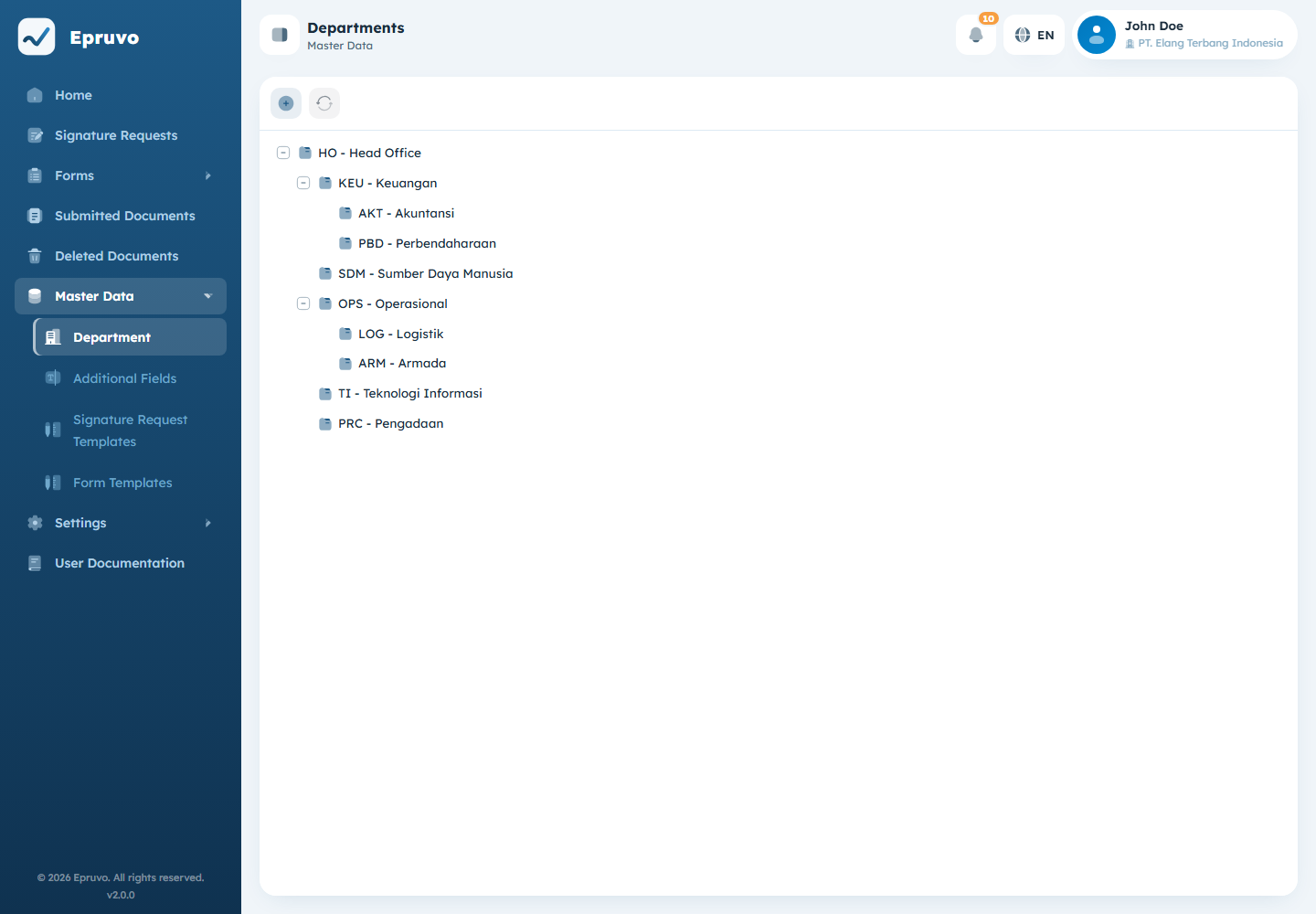
Why the shape matters
A form template can name its approvers directly, or it can name a position relative to whoever submitted the document. Those positions are:
| Group | Resolves to |
|---|---|
Atasan 1 | The head of the parent department, one level up |
Atasan 2 | Two levels up |
Atasan 3 | Three levels up |
Kepala Departemen | The head of the top-most department in that branch |
INFO
Those four labels appear in Indonesian in both interface languages. They are not translated.
Set up this way, one form template serves the whole company: a request from Payroll goes to Payroll's manager, the same request from Logistics goes to Logistics', and neither needs its own template. It also means a department with no parent has no Atasan 1 to find, and a step pointing there will have nobody to send to. Whoever configures a template can check that before publishing — see Form templates.
Adding a department
- Open Master Data → Department.
- Select Add Department for a top-level one, or Add Sub-Department on an existing row to nest one underneath it.
- Fill in Code and Department Name. Both are required.
- Choose a Parent Department if you did not start from an existing row.
- Add a description if it helps whoever comes next.
- Select Save.
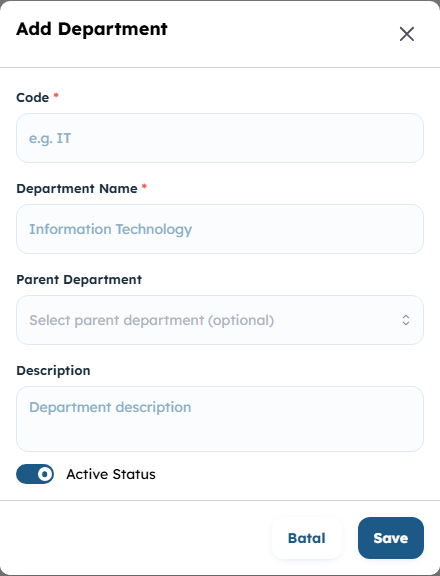
Code is the short handle — IT, HR, FIN. It shows up in document numbering when a template uses the department parameter, so keep it short and stable. Renaming a department is safe; changing its code changes how future document numbers read.
Looking at one
View Detail on a row opens the department, including Registered Users — everyone currently assigned to it. That list is the quickest way to answer "who would actually receive this" before you rely on a department in a form template.
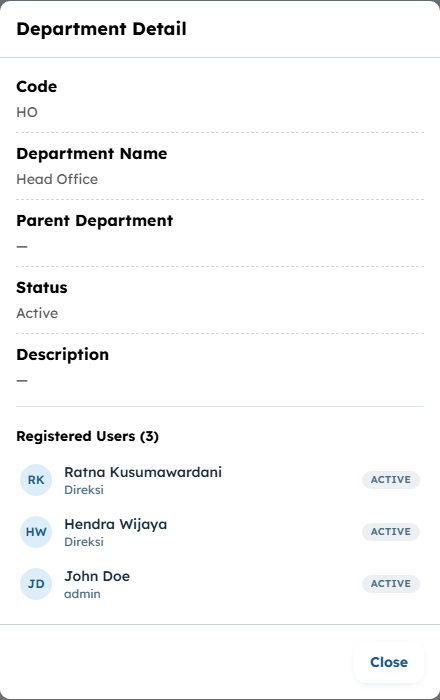
Users are assigned from Settings → Users, not from here. See Users.
Editing and deleting
Edit changes any field, including the parent — which also moves every sub-department underneath it. Documents already submitted keep the department they were submitted with; the change affects what happens next, not what already happened.
Delete asks for confirmation and cannot be undone. Move the people out first: a user left pointing at a department that no longer exists has no manager for Epruvo to find, and their submissions will stall at the first step that needs one.
Common problems
| The menu is not in the sidebar | Your role has no department permission. |
| A document stalls at the first step | The step asks for a position — Atasan 1 and the like — that the submitter's branch cannot supply. Give the department a parent, or make sure the parent has a head assigned. |
| Document numbers show the wrong department | The template's numbering uses the department parameter, which reads Code. Fix the code here. See Form templates. |
| Deleting is refused | Something still depends on it. Reassign its users and its sub-departments first. |